
How to Search Cases by Name
Search ARCourts lets the public search for a person or an organization. Type the last name first. Add a first or middle name if the pool of results is too wide, and lean on the court, case type, and date filters to cut out unrelated matches. Most fields are optional unless the live interface marks them required. Filter choices can shift over time.
- Open Search ARCourts from an official Arkansas Judiciary or county link.
- Select the participant search and enter the last name, then the first name.
- Add Pope County, the likely Circuit or District court, case type, or date only when needed.
- Compare each result's case number, court, description, filed date, and status before opening it.
- Read the selected case events chronologically and confirm any uncertain setting with the clerk.
The portal's public fields are laid out in the official interface. Do not guess at a dropdown value. Not every court exposes every document image.
| Field label | Type | Required | Use |
|---|---|---|---|
| First Name | Text | Unspecified | Participant-person search |
| Middle Name | Text | Unspecified | Narrows close matches |
| Last Name | Text | Unspecified | Strongest person-name input |
| Organization or Case Description | Text | Unspecified | Organization and descriptive matter search |
| Court | Filter | Unspecified | Narrows to Pope Circuit or District coverage |
| Case Type | Filter | Unspecified | Narrows the record category when offered |
| Filing or Event Date | Date filter | Unspecified | Limits results by time |
Pope County Case Lookup Matches
A shared name proves nothing on its own. Before trusting a Pope County case lookup result, check the court, the filing date, the case type, and the case description against what you know. The same person may show up as plaintiff, defendant, petitioner, respondent, or in some other role. Two different people can carry identical names. Search ARCourts handles this with the broad, role-neutral label "participant." Too many hits? Add a middle name or narrow the court and filing range. An empty query calls for the opposite. Strip optional filters and fix spelling. Try the organization or case-description field when that fits. A name in a result row tells you nothing about the nature or outcome of a matter. Open the record itself and read the role labels and the events.
Safe starting point: Use official links, not a text-message link. The Arkansas Judiciary warns that it does not initiate unsolicited text messages and advises deleting suspicious messages.
How to Search by Case Number
Nothing beats an exact case number. For a Pope County search, it points to one court file. It skips past same-name confusion entirely. The Circuit Clerk's foreclosure guidance says plainly that only the case number is needed in Search ARCourts. Copy it exactly from a citation, notice, order, or pleading. No single universal case-number mask is published for Pope County. Don't manufacture a format like YYYY-XX-##### or assume punctuation can be reshaped. Choose the case-number mode and type the court-supplied identifier. Confirm the result's court and case description line up. A failed query? Try the number exactly as the clerk printed it. Then ask the right office to confirm. One more wrinkle. A District Court case that gets appealed into Circuit Court generates new Circuit activity. Keep both numbers when the records disclose them. A single identifier may not pull the whole lower-to-higher-court history.
Pope County Case Lookup Transition
Search ARCourts is the current system. The Arkansas Judiciary's official replacement announcement explains that it replaced Public CourtConnect with a streamlined interface and advanced filters. Any older instructions that send Pope County readers only to the retired service are stale.
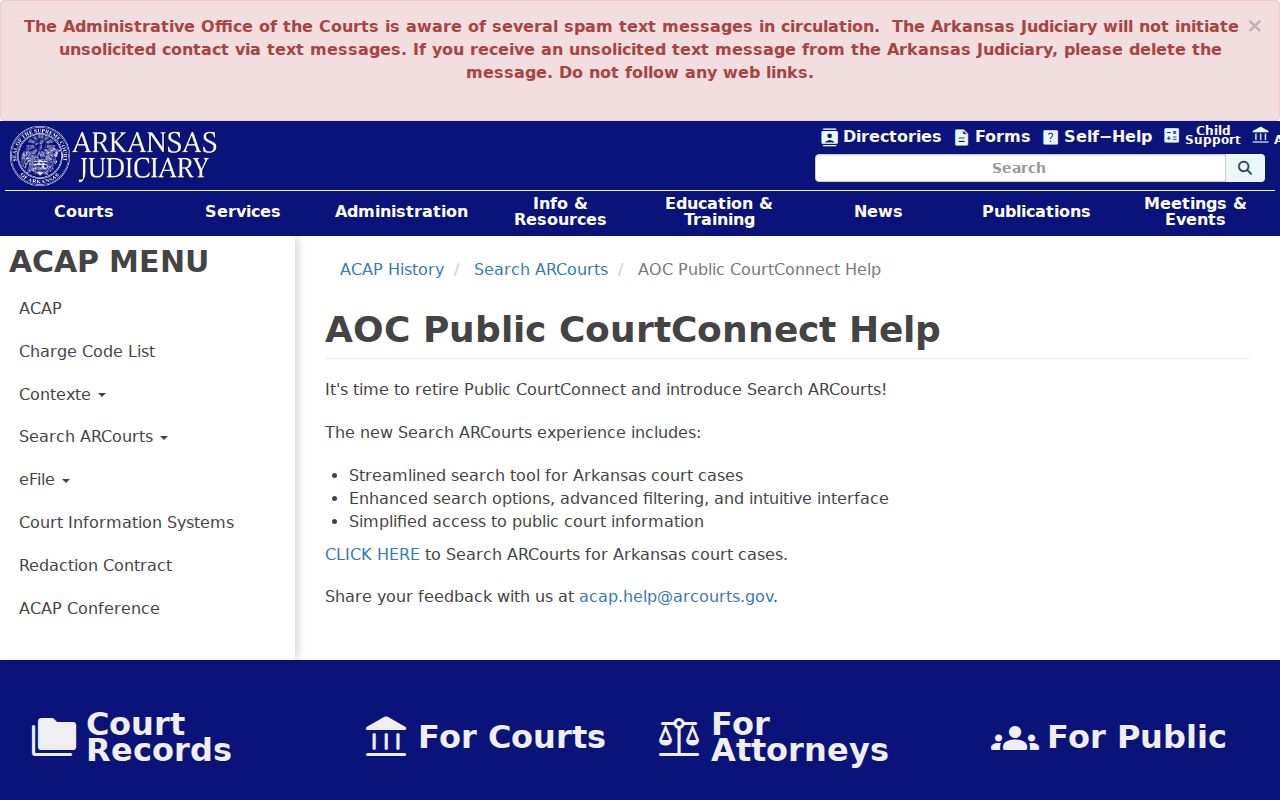
The announcement points to Search ARCourts as the public search layer for now, with the clerk remaining the fallback for local records and documents. Basic case information on the public portal is free. Pope County and state sources, though, promise neither real-time refreshes nor one complete historical cutoff. Treat what you see as current public access. For a time-sensitive court date or an exact filed order, verify with the office that holds the record.
What a Case Search Shows
A result first flags a possible match. Open it and the case detail appears. The record usually gathers header data, public parties and lawyers, dated events, settings, case-specific criminal or civil fields, and financial entries where exposed. Sealed and confidential information stays out.
| Case number | The unique court identifier used across search, clerk, filing, and payment workflows. |
|---|---|
| Court and judge | The Circuit or District court, department, division, and assigned judge where entered. |
| Style or description | The case caption or brief description used to distinguish the matter. |
| Filed date and type | When the matter began and its criminal, civil, domestic, probate, or other public classification. |
| Case events | Dated filings, service, motions, orders, settings, pleas, trial, judgment, and appeal activity as applicable. |
| Status or disposition | Open, pending, closed, dismissed, judgment, conviction, or another record-specific outcome. |
A setting row may leave the courtroom or judge blank. An event row may lack its document image too. Use the row to see what happened, then request the named filing by name when the full text matters.
Pope County Case Lookup Events
In Search ARCourts, the event sequence is often the useful unit. Read forward from the filing date. Then watch for the later material: orders, resets, amended judgments, and appeals. An old hearing date stays in the case history after a continuance, and a later notice or order can control the present setting.
Search path: Result Row › Case Header › Parties and Roles › Case Events › Settings › Disposition › Filed Document or Clerk Request
Available documents may open in a pop-up. Search ARCourts links troubleshooting help for Safari users who need to allow pop-ups. Image access varies by court and record. A missing image is not proof the filing never happened. Give the clerk the event title and date, and a copy request becomes simple. Note: a Pope County case search screen is not a certified record. Certification must come from the office holding the original filing.
Pope County Case Lookup Pop-Ups
A public document sometimes opens in a separate browser window instead of inside the event list. That is why Search ARCourts links Safari troubleshooting. Pop-up blocking can make an available filing look absent. Check the browser's blocked-window notice and allow the official caseinfo.arcourts.gov page before deciding no image exists. Even then, image availability varies by record and court. If the window never opens or the event has no document link, write down the filing title and date and request that specific record from the office that holds it. And don't assume eFlex credentials will unlock a missing public image.
County vs Statewide Case Search
Pope County has no case-search portal of its own. Instead, the Circuit Clerk points the public to Search ARCourts. That is the statewide interface for case lookup. It leaves a local layer with real work in it. The clerk offices behind the Pope County court docket confirm case numbers, hearing settings, older files, and document requests for the court each office serves.
| Channel | Best use | Limit |
|---|---|---|
| Search ARCourts | Free public search across participating Circuit, District, and appellate case information | Confidential matters and some document images are unavailable |
| Circuit Clerk | Pope Circuit civil, criminal, domestic-relations, and known public juvenile-file questions | Protected content cannot be released, and the office does not conduct broad criminal searches |
| District clerk | Misdemeanor, traffic, ordinance, preliminary felony, small claims, and lower-value civil questions | The correct local department must be identified |
| County Clerk | Probate, estate, guardianship, and County Court custody | Adoption and other protected material remains restricted |
Not every Pope County office answers through the same channel. Circuit record questions: call 479-968-7499 or 479-968-6989. Probate has its own line, 479-968-6064. For District Court dockets, dial 479-968-1393, or reach out to the clerk in the city department handling the case.
Pope County Case Lookup Clerk Fallback
Every search runs better when it starts at the right counter. The Pope County Circuit Clerk holds the Circuit civil, criminal, and domestic-relations records. Probate files and County Court matters sit with the Pope County Clerk. The lower-court dockets belong to the District Court department clerks. Send a request to the wrong office and it will simply bounce back. No clerk can copy a court record another office keeps.
Writing to any of them? Give the clerk the case number first. Then add the court or department and the case style if you have it. Include the document title, the filing date when known, your preferred copy type and number of copies, your contact details, and whether you want pickup or mail. Ask for a price quote too. Pope County has not published a copy fee in the cited court material.
Pope County Case Lookup and eFlex
Search ARCourts handles the public side of case lookup. Filing is different. Arkansas eFlex is the filer-facing system. Lawyers and other authorized users submit documents and fees to the court there. To file into an existing case you need credentials, a case number, and a party's last name. Plain docket reading asks for none of that. No eFlex account is needed just to view a case. The official eFlex landing screen shows that separate filing role.
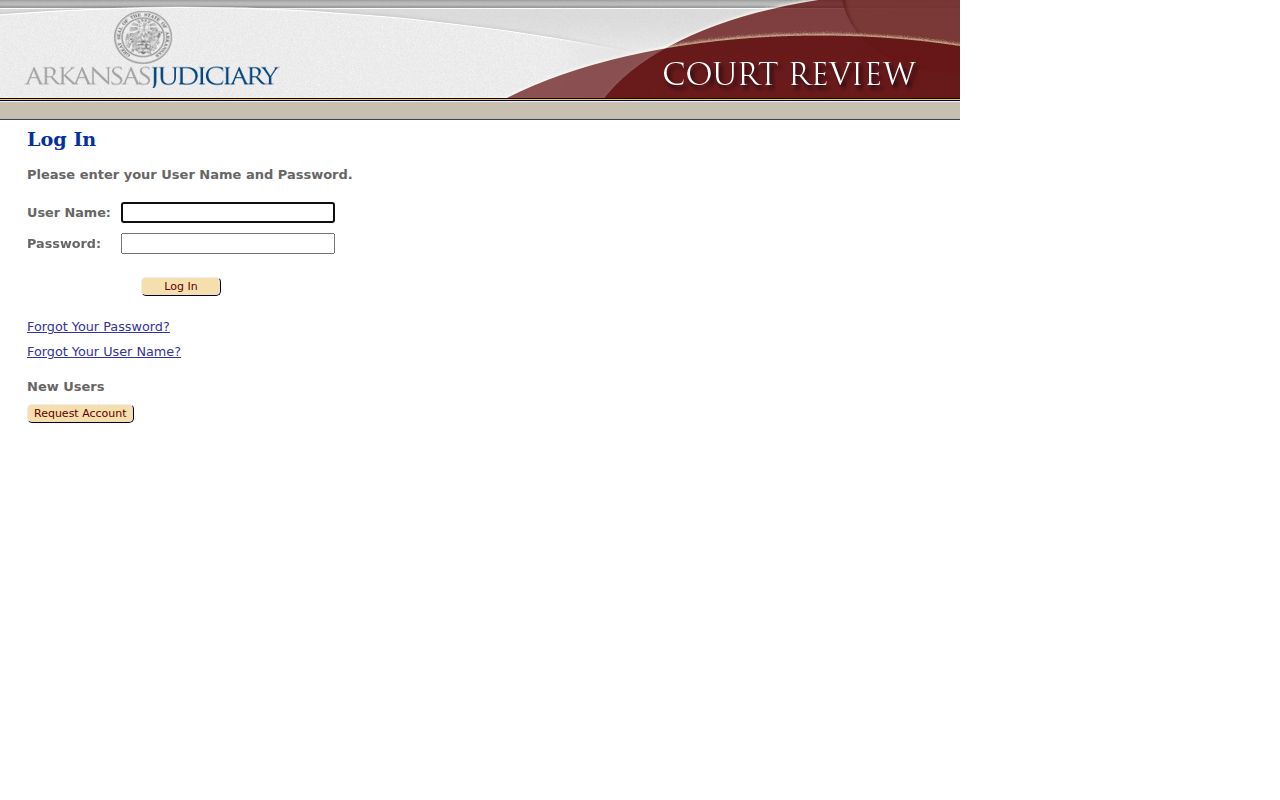
Seeing a login page means you have drifted from the public lane. Return to Search ARCourts for ordinary Pope County case lookup. The eFlex resource center documents accounts, filing workflow, payments, and support.
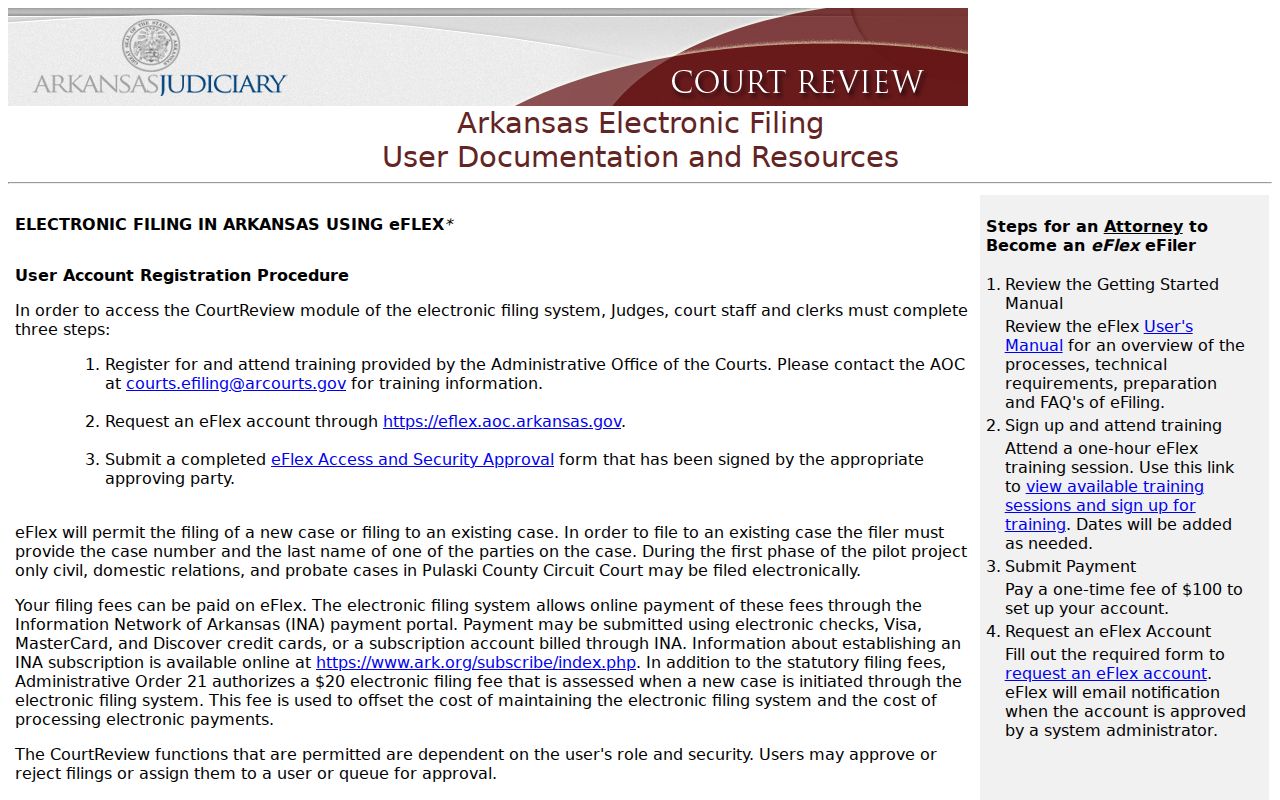
Filing tools like these help a filer submit paperwork; they do not open restricted Pope County case content to the public. The official eFlex terms of use lay out the security and compliance duties that come with the workspace.
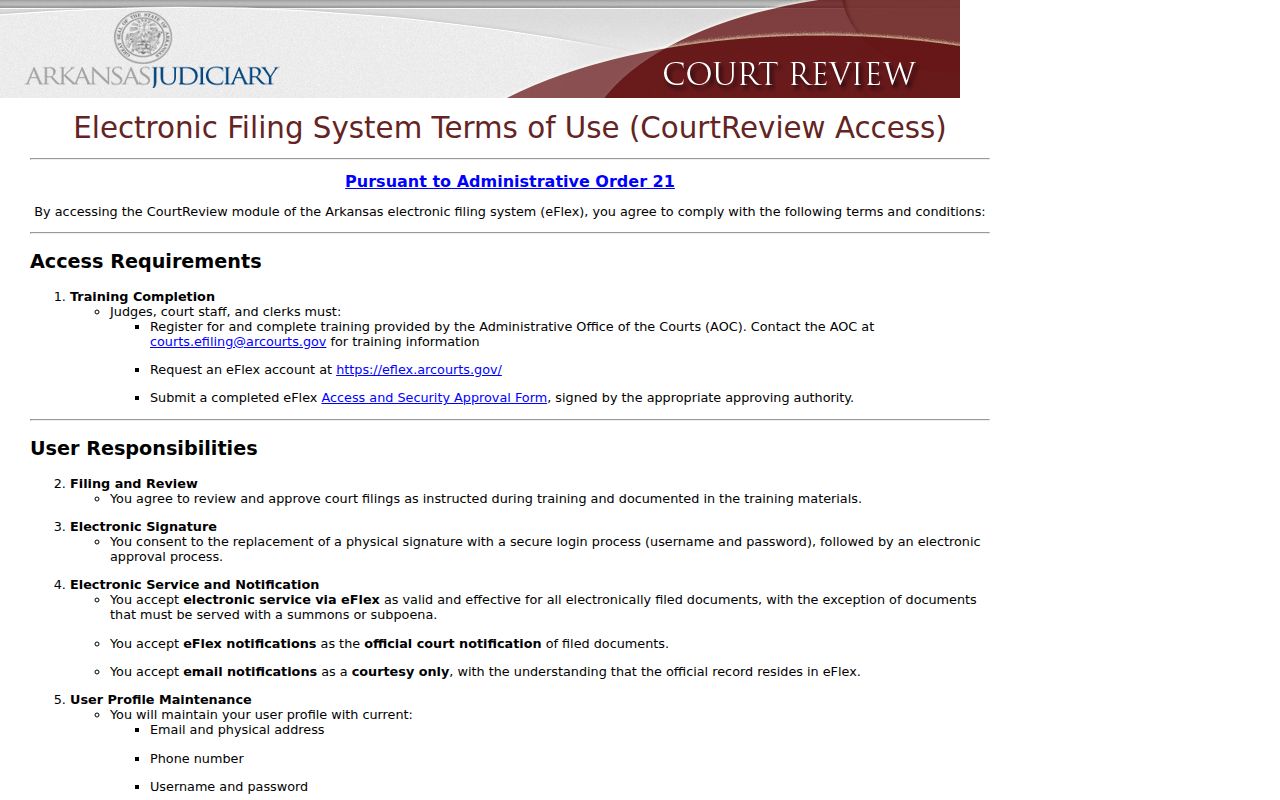
In short, the terms draw a clear line between the authenticated filing workspace and Search ARCourts, the public case-information service.
Restricted Cases and Access Rules
Arkansas Administrative Order No. 19 sets the access rules for Pope County court records. It shields certain identifiers, law-excluded details, and anything a judge has restricted. Juvenile records stay confidential under Arkansas law. Adoption files can also stay out of public view. So can some domestic-relations material and sealed criminal docket entries.
A case you expect may not show up. Recheck the exact case number, the spelling of the name, the court level, and how old the matter is. Ask the Circuit Clerk, County Clerk, or District clerk. That office can tell you whether a file is nonconverted, confidential, sealed, or just indexed in a different spot. Knowing the case number alone does not unlock protected information.
Access rule: Administrative Order No. 19 supplies the court-record framework. A missing public result should never be treated as proof of sealing or of any outcome.
Pope County Case Lookup Gaps
A blank results page means you should re-check your routing, not give up. The Pope County court docket splits by court. Felony, major civil, and domestic-relations cases belong to Circuit Court. Misdemeanor, ordinance, traffic, preliminary felony, lower-value civil, and small-claims matters belong to District Court. Probate and estate files sit with the County Clerk. Older probate records run from 1831 through 1886. The historical vault may hold what the docket search does not.
- Remove extra filters and rerun the exact name or case number.
- Check whether the event belongs to Circuit Court, District Court, or probate custody.
- Use the court notice to identify the division or local department.
- Contact the responsible clerk with the case number, party or style, approximate filing date, and desired filing.
- Ask whether the record is paper, microfilm, archived, imaged, confidential, or sealed when appropriate.
Pope County publishes no dedicated form for requesting judicial copies. A written request should carry your contact details, the court or department, the document title and date, whether you want a plain or certified copy, your delivery method, and the most you will pay. Fees for public copies are not posted, so ask for a price before sending any money.
Pope County Case Lookup Copies
The Pope County Circuit records page opens the public search channel. But a docket result is not a copy. A plain or certified clerk copy is something else. Use the case lookup to pin down one filing by title and date. Then ask the office whether that document can be picked up or mailed. Ask whether certification costs extra.
Certified copies must come straight from the clerk, never a browser printout. Probate matters belong to the County Clerk. A District case goes through the Russellville office or the named city-department clerk. A precise request cuts down confusion. It names which paper, which court level, and which copy type you truly need.